What is PH LearnLink?
PH LearnLink is a Learning Management System (LMS) run by the Northwest Center for Public Health Practice (NWCPHP). We provide a range of learning materials for public health practitioners to improve their professional knowledge and experience. NWCPHP creates self-paced courses, live and hybrid trainings, toolkits, exercises, and a library of past webinars for learners to explore.
Sample Learning Path on PH LearnLink
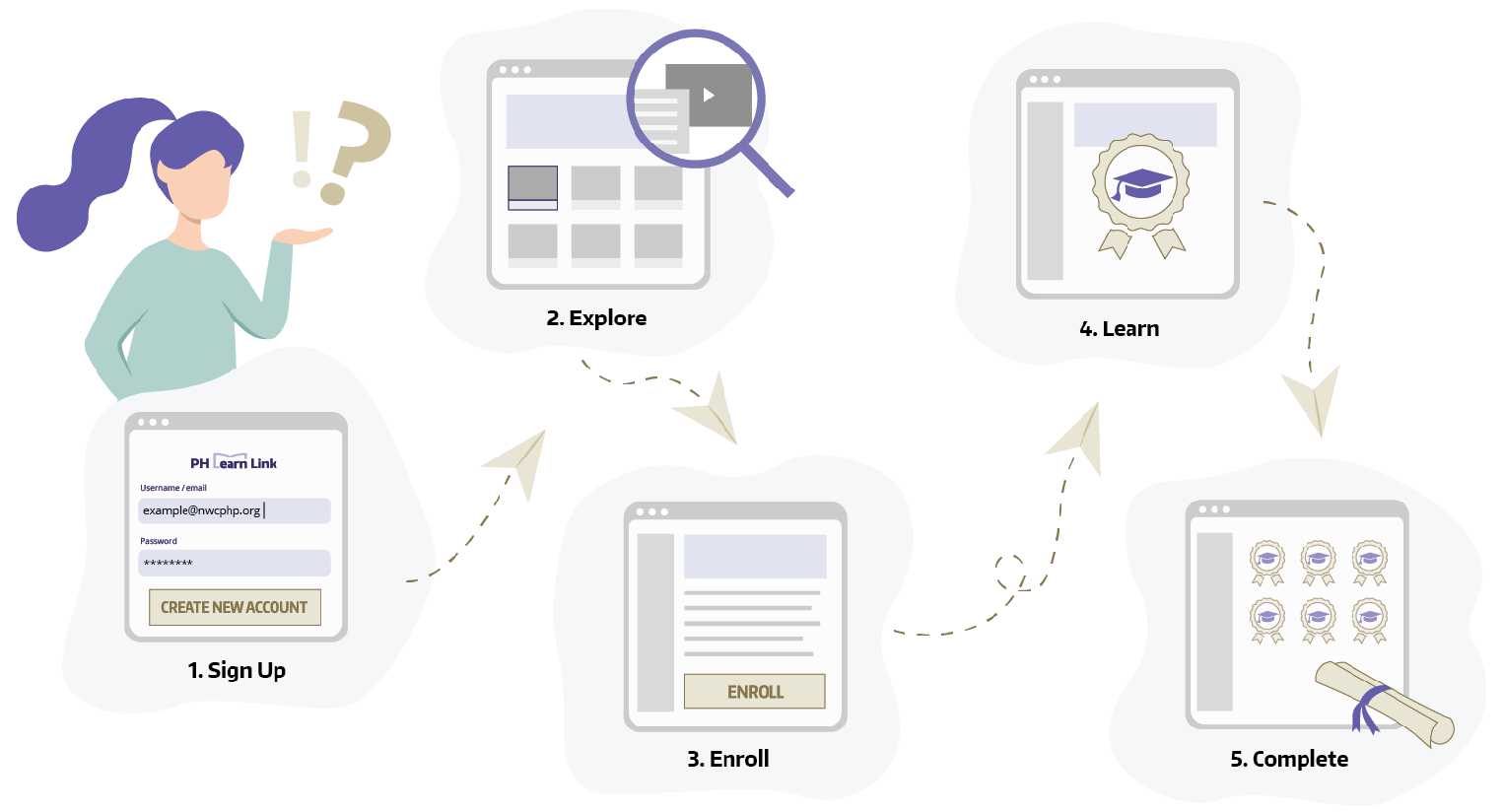
1. Sign Up
Create a free account using your e-mail address.
2. Explore
Check out our library of learning activities, including self-paced courses, toolkits, webinars, and more.
3. Enroll
Start one or more learning activities that match your needs.
4. Learn
Work through exercises, assessments, and resources at your own pace.
5. Complete
Finish learning activities, submit an evaluation,* receive a course certificate,* and be on your way!
* Self-paced courses only.
PH LearnLink Features
Thousands of learners rely on our LMS for easy-to-access learning content based on the latest population health research. Find out what makes PH LearnLink their first choice.
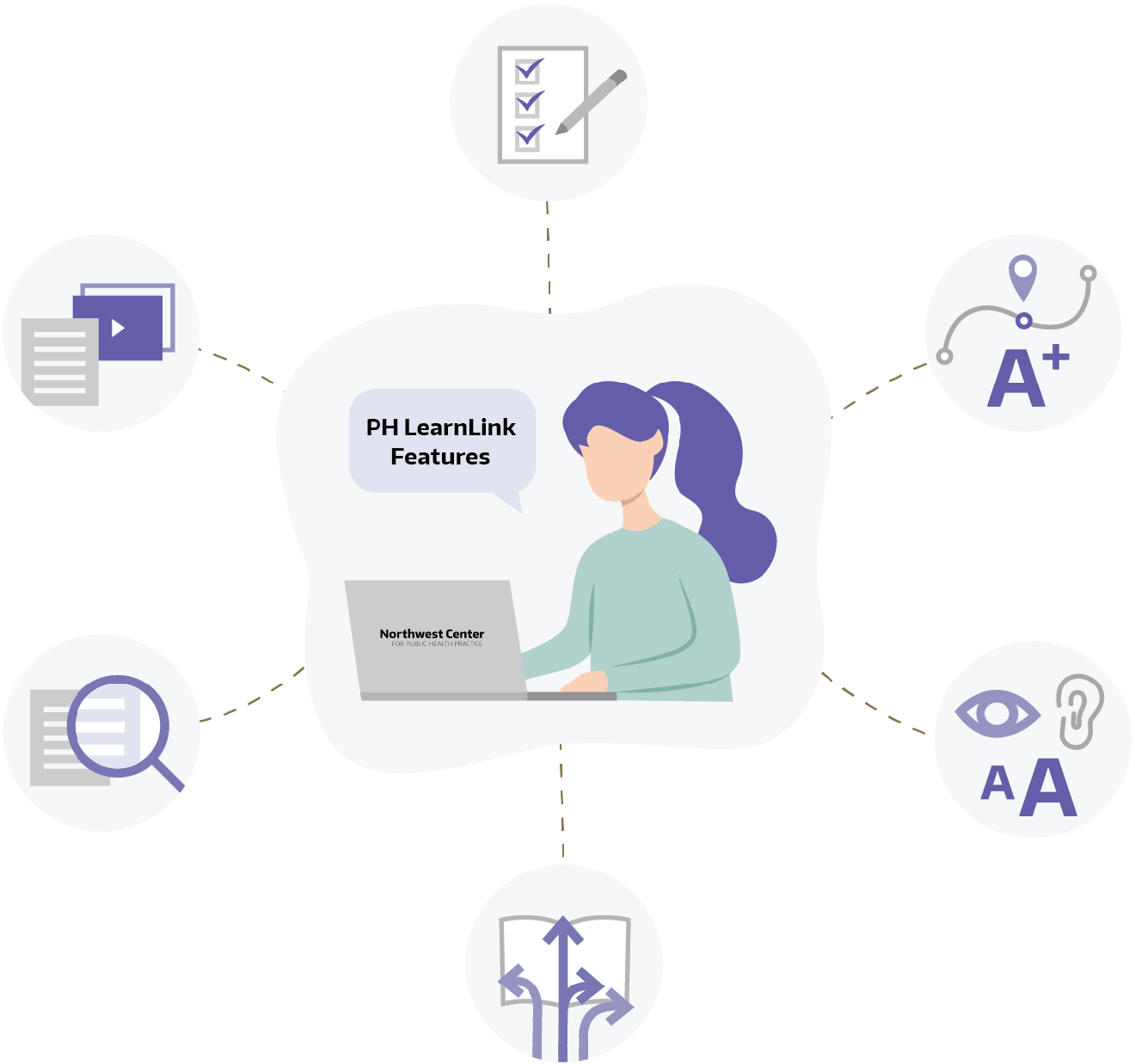

Variety of Learning Materials
From online courses, to webinars, tabletop exercises, and interactive toolkits, choose from a wide selection of materials to fit your specific learning needs.

Practice-Based Perspectives
Our materials put the practitioner first, with learning content situated around the experiences of state, local, and tribal health department professionals.

Research-Based Content
Learning content is developed by subject matter experts and from the latest population health research subjects, like behavioral and mental health, management, program planning, leadership and more.

Learner Flexibility
Complete course content on your own time, with a wide selection of self-paced learning opportunities.

Accessible Course Design
Course content is delivered in a 508-compliant interface. During development of materials, we strive to meet the accessibility needs of all learners.**

Tracking and Grading Performance
Our LMS tracks and grades your course progress instantly, providing immediate performance feedback.
** If you encounter trouble accessing the instructional materials by screen reader, or need any other accommodations in order to access the instructional materials, please contact NWCPHP, and we will do our best to make sure the content is accessible to you.